Checked 2026-10-30
How to download The Halloween Man (and which file to pick)
The official download we found is the itch page by ready64. The game is free, the minimum price is zero, and you do not need an account. This site does not host the files.
Download and start The Halloween Man
A short route from the official download to a PAL Commodore 64 emulator, based on the developer instructions and VICE manual.
- Get the official files. Open ready64's itch.io page and choose a .prg, .d64 or .tap download. The files remain on the developer's page.
- Choose a PAL Commodore 64. Install an emulator from its official distribution and choose a PAL Commodore 64 model, as specified in the developer readme.
- Autostart the game. Use VICE's Autostart file selector to open the downloaded .prg or .d64. For a tape image, follow the developer's tape-loading instructions below.
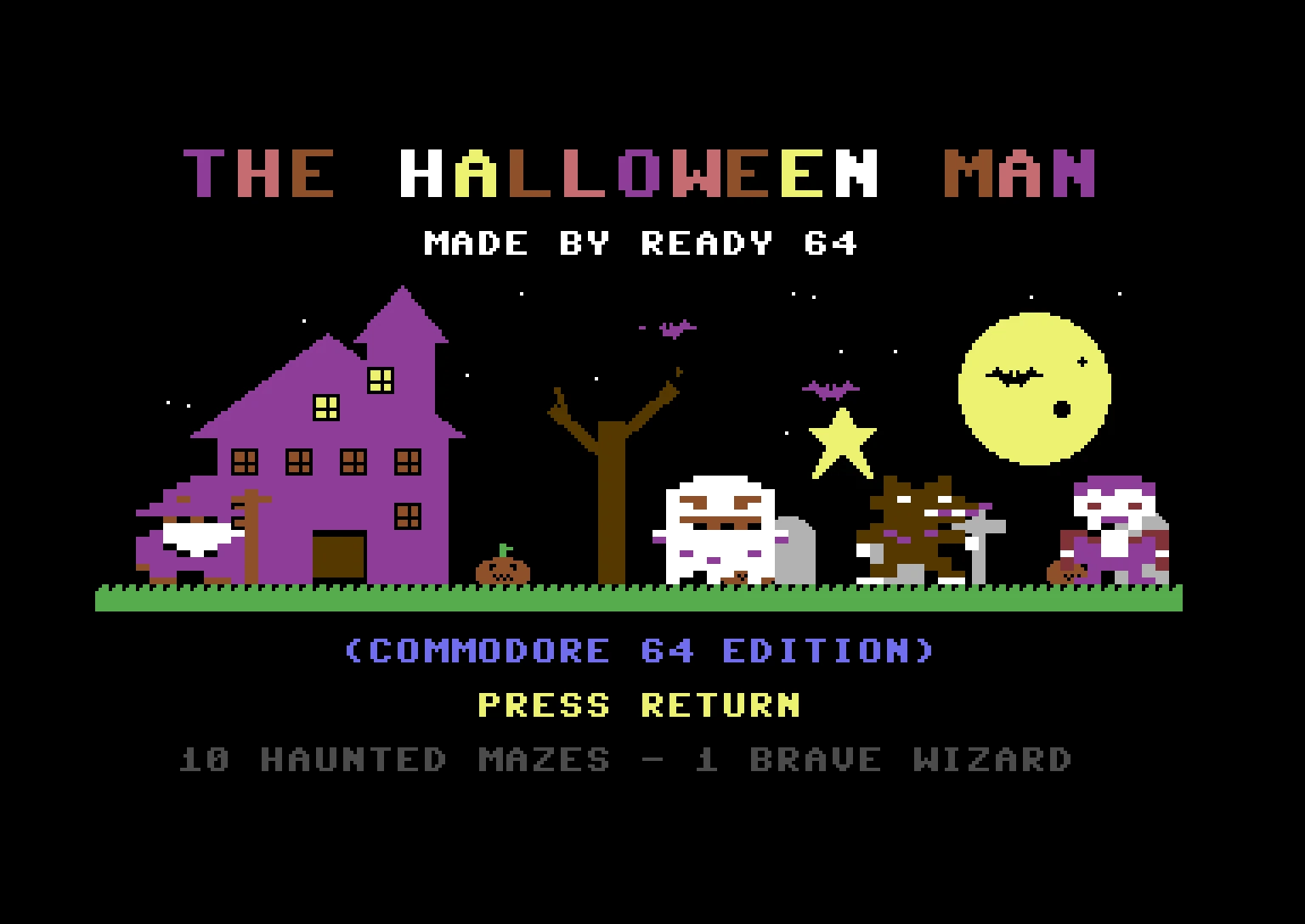
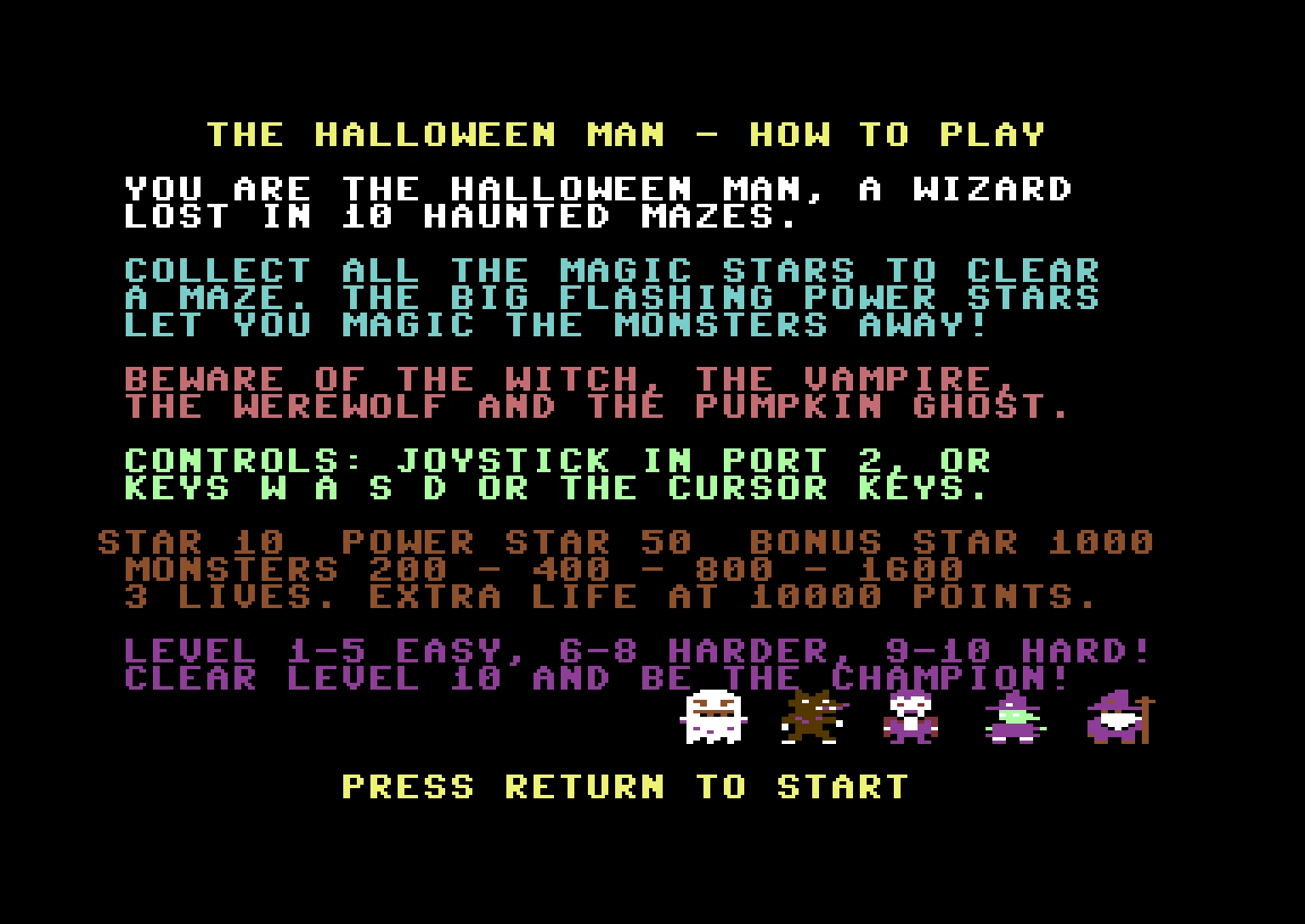
Download THE HALLOWEEN MAN on itch.io. That button is the official source. Skip third-party executables.
Which file should you pick?
Developer-only file sizes checked on 30 October 2026. The .prg and source zip byte counts were measured from the public itch downloads; no independent size listing was found.
| File | Size | Use it when |
|---|---|---|
| THE_HALLOWEEN_MAN.prg | 22,542 bytes (about 22 kB) | Fastest start in an emulator autostart |
| .d64 | about 170 kB | You want the 1541 disk path: LOAD then RUN |
| .tap | about 922 kB | You want the tape path, or you collect tape images |
| readme.txt | 4,910 bytes | You want the author’s own instructions |
| source zip | 35,364 bytes | You want the assembler source, not a playable extra |
Run it on Windows or Mac
Install VICE 3.10, the GTK3 build, from the VICE site. On Windows take the 64-bit build. On a Mac, VICE publishes Apple silicon and Intel builds for macOS 12 or newer. In the file selector, choose Autostart and open the .prg or the disk image. The readme says the game was made for a PAL Commodore 64 and tested in a PAL emulator, so set the emulator to PAL. The author’s load lines are: disk, LOAD "HALLOWEEN MAN",8 then RUN (or LOAD "*",8 then RUN); tape, LOAD, press PLAY, then RUN; program file, autostart, or LOAD "THE_HALLOWEEN_MAN.PRG",8 then RUN.
I am not promising that dropping the file on the VICE window always starts it. The readme says “your emulator” in general. The VICE manual documents the file selector’s Autostart button and the -autostart command. Use that.
Can I play it online?
No playable browser build was listed. On 30 October 2026 the itch page had downloads and a YouTube trailer, and no playable game frame. The emulator page covers VICE, Hoxs64 and VirtualC64. Do not trust a random web emulator that asks you to upload a ROM from an unknown host.
Safety
Take the files from itch. A .prg will not launch if you double-click it in Windows or macOS, and that is expected. The author’s listed game downloads are C64 images, not a Windows installer. The readme does not give permission to redistribute the files, so this site only links out.
Questions
Is there a Windows exe?
No. The .prg is a Commodore 64 program image, not a Windows program. Do not run a random .exe that claims to be this game.
Can I play it online after I download?
No playable browser build is listed on the official itch page as of 30 October 2026. The itch page’s only frame is the trailer. See the emulator page for VICE.